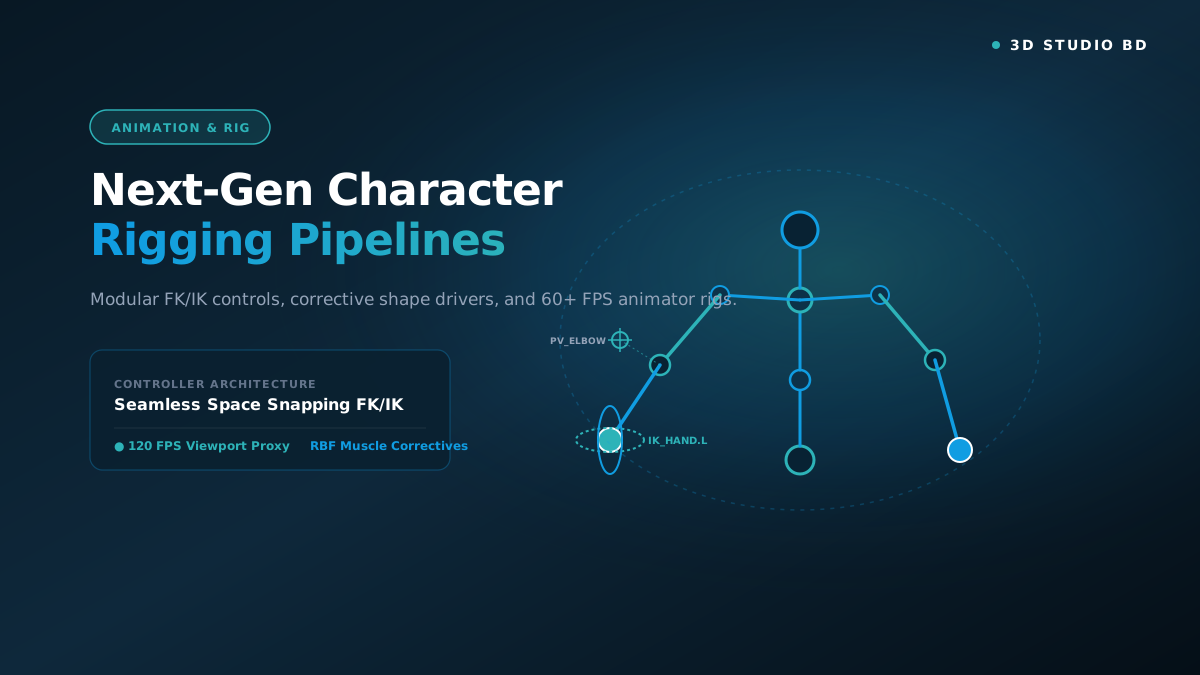
Demystify character technical direction. Learn how animators think, construct flexible armatures with weight painting techniques, set up corrective shape keys (blendshapes), and animate convincing character walk cycles, runs, and combat actions. Includes fully rigged biped and quadruped characters, custom rigging python scripts, and motion test animation clips.

KEY TAKEAWAYS
What You Will Master in This Course
Complete production pipeline from concept blockout to final high-fidelity render.
Industry quad topology, non-destructive modifiers, and clean UV unwrapping.
Physically Based Rendering (PBR) workflows with custom roughness and metallic maps.
Real-time shader setup, Lumen lighting, and performance optimization in Unreal Engine 5.
ArtStation-ready portfolio rendering, camera composition, and multi-pass compositing.
Studio asset packaging, folder conventions, and commercial asset delivery.
Detailed Syllabus Overview
01
Chapter 1: Bone Hierarchies, Axis Alignment & Armature Structure
Complete the technical lesson and submit the assessment quiz to unlock your milestone progress.
↓
Chapter 1: Bone Hierarchies, Axis Alignment & Armature Structure
Complete the technical lesson and submit the assessment quiz to unlock your milestone progress.
Deform vs Control Bones, Bone Roll Angles, and Gimbal Lock Prevention
Free Preview
15:00
Chapter 1: Bone Hierarchies, Axis Alignment & Armature Structure Assessment
Demonstrate your understanding of the technical pipeline concepts covered in this chapter.
Pass Mark: 75%
02
Chapter 2: Seamless IK/FK Switching & Limb Controllers
Complete the technical lesson and submit the assessment quiz to unlock your milestone progress.
↓
Chapter 2: Seamless IK/FK Switching & Limb Controllers
Complete the technical lesson and submit the assessment quiz to unlock your milestone progress.
Inverse Kinematics Constraints, Pole Targets, and Space Snapping
18:00
Chapter 2: Seamless IK/FK Switching & Limb Controllers Assessment
Demonstrate your understanding of the technical pipeline concepts covered in this chapter.
Pass Mark: 75%
03
Chapter 3: Weight Painting & Corrective Shape Keys (Pose Space Deformers)
Complete the technical lesson and submit the assessment quiz to unlock your milestone progress.
↓
Chapter 3: Weight Painting & Corrective Shape Keys (Pose Space Deformers)
Complete the technical lesson and submit the assessment quiz to unlock your milestone progress.
Vertex Groups Normalization, Smoothing Hard Creases, and Blendshapes
21:00
Chapter 3: Weight Painting & Corrective Shape Keys (Pose Space Deformers) Assessment
Demonstrate your understanding of the technical pipeline concepts covered in this chapter.
Pass Mark: 75%
04
Chapter 4: Facial Rigging: Ribbon Spines & Sticky Lips
Complete the technical lesson and submit the assessment quiz to unlock your milestone progress.
↓
Chapter 4: Facial Rigging: Ribbon Spines & Sticky Lips
Complete the technical lesson and submit the assessment quiz to unlock your milestone progress.
NURBS Surface Follicles, Eyebrow Arches, and Jaw Rotation Centers
24:00
Chapter 4: Facial Rigging: Ribbon Spines & Sticky Lips Assessment
Demonstrate your understanding of the technical pipeline concepts covered in this chapter.
Pass Mark: 75%
05
Chapter 5: Animating the Classic Character Walk Cycle
Complete the technical lesson and submit the assessment quiz to unlock your milestone progress.
↓
Chapter 5: Animating the Classic Character Walk Cycle
Complete the technical lesson and submit the assessment quiz to unlock your milestone progress.
Contact, Down, Passing, and Up Poses with Weight, Timing & Overlap
27:00
Chapter 5: Animating the Classic Character Walk Cycle Assessment
Demonstrate your understanding of the technical pipeline concepts covered in this chapter.
Pass Mark: 75%
What You Need Before Starting
💻
Computer Setup
A Windows, macOS, or Linux computer capable of running modern 3D creation software.
🎨
Software Installed
Blender 4.x (Free & Open Source) or Maya. Optional tools like Substance 3D and Unreal Engine 5 are introduced in later chapters.
🖱️
3-Button Mouse
A standard three-button mouse with a scroll wheel is strongly recommended for 3D viewport navigation.
Meet the Instructor
A
Arif Chowdhury
Production 3D Artist & Studio InstructorRigging Technical Director & Animator. 9 years crafting production-ready armatures for game engines and feature animation with seamless IK/FK switching, corrective blendshapes, and facial ribbons.
★ 4.9 Instructor Rating
•
1 Studio Courses
Free Knowledge & Guides
View all guides →