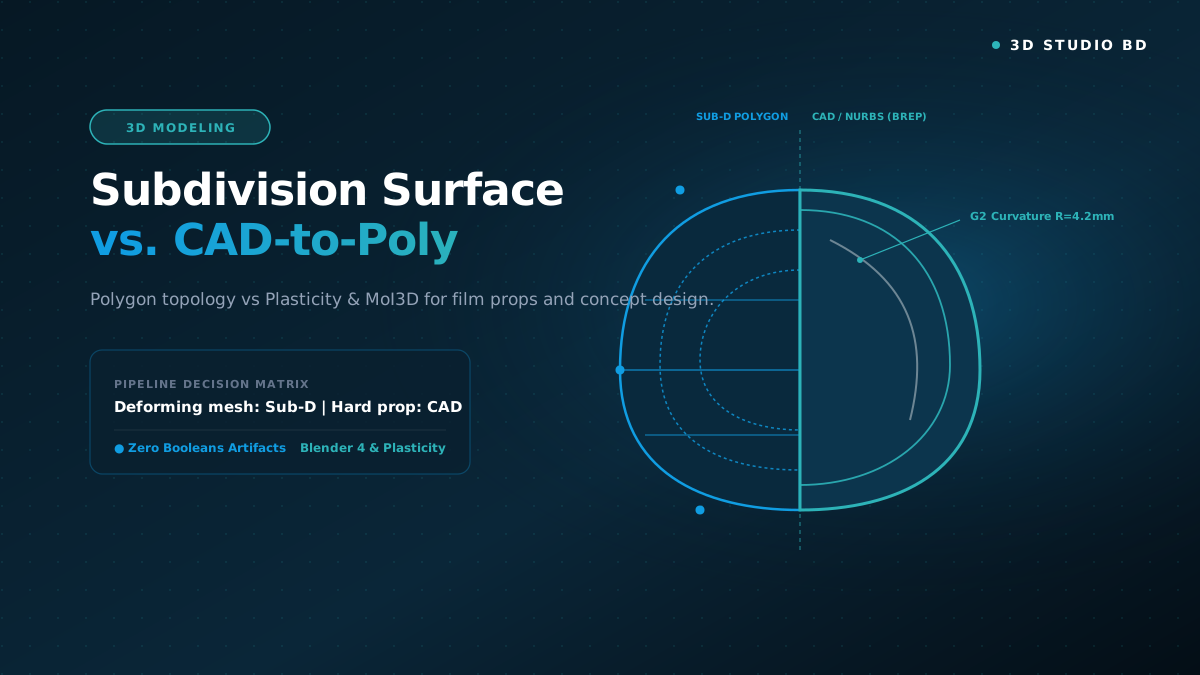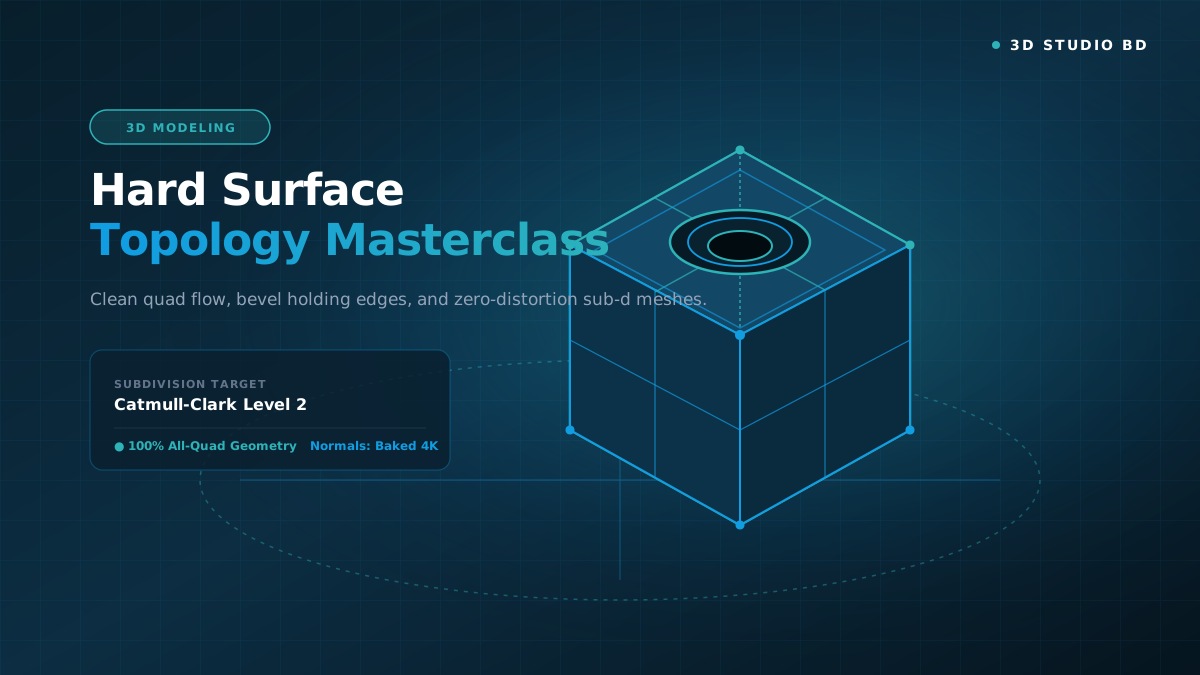
Learn automotive modeling from blueprint calibration to final commercial beauty renders. Master continuous A-class surface curvature, door shutlines, headlamp refractive optics, carbon fiber weaves, and multi-light automotive studio photography setups. Every technique is demonstrated step-by-step with practical reference blueprints and HDRI environment maps.
KEY TAKEAWAYS
What You Will Master in This Course
Complete production pipeline from concept blockout to final high-fidelity render.
Industry quad topology, non-destructive modifiers, and clean UV unwrapping.
Physically Based Rendering (PBR) workflows with custom roughness and metallic maps.
Real-time shader setup, Lumen lighting, and performance optimization in Unreal Engine 5.
ArtStation-ready portfolio rendering, camera composition, and multi-pass compositing.
Studio asset packaging, folder conventions, and commercial asset delivery.
Detailed Syllabus Overview
01
Chapter 1: Blueprint Orthographic Alignment & Silhouette Blockout
Complete the video demonstration and study the core principles, then complete the chapter assessment quiz.
↓
Chapter 1: Blueprint Orthographic Alignment & Silhouette Blockout
Complete the video demonstration and study the core principles, then complete the chapter assessment quiz.
Setting up 3-View Schematics, Wheelbase Calibration & Primary Forms
Free Preview
15:00
Chapter 1 Assessment: Blueprint Orthographic Alignment & Silhouette Blockout
Demonstrate your understanding of the technical pipeline concepts covered in this chapter.
Pass Mark: 70%
02
Chapter 2: Continuous A-Class Curvature & Shutline Precision
Complete the video demonstration and study the core principles, then complete the chapter assessment quiz.
↓
Chapter 2: Continuous A-Class Curvature & Shutline Precision
Complete the video demonstration and study the core principles, then complete the chapter assessment quiz.
Zebra Striping, Panel Separation & Hem Flange Construction
17:00
Chapter 2 Assessment: Continuous A-Class Curvature & Shutline Precision
Demonstrate your understanding of the technical pipeline concepts covered in this chapter.
Pass Mark: 70%
03
Chapter 3: Wheel Rim Engineering & Tire Tread Modeling
Complete the video demonstration and study the core principles, then complete the chapter assessment quiz.
↓
Chapter 3: Wheel Rim Engineering & Tire Tread Modeling
Complete the video demonstration and study the core principles, then complete the chapter assessment quiz.
Radial Symmetry, Caliper Assembly & Parametric Tire Tread Arrays
19:00
Chapter 3 Assessment: Wheel Rim Engineering & Tire Tread Modeling
Demonstrate your understanding of the technical pipeline concepts covered in this chapter.
Pass Mark: 70%
04
Chapter 4: Physically Based Automotive Paint & Clearcoat Physics
Complete the video demonstration and study the core principles, then complete the chapter assessment quiz.
↓
Chapter 4: Physically Based Automotive Paint & Clearcoat Physics
Complete the video demonstration and study the core principles, then complete the chapter assessment quiz.
Metallic Flake Proceduralism, Clearcoat Roughness & Glass Optics
21:00
Chapter 4 Assessment: Physically Based Automotive Paint & Clearcoat Physics
Demonstrate your understanding of the technical pipeline concepts covered in this chapter.
Pass Mark: 70%
05
Chapter 5: Commercial Studio Lighting & Cinematic Renders
Complete the video demonstration and study the core principles, then complete the chapter assessment quiz.
↓
Chapter 5: Commercial Studio Lighting & Cinematic Renders
Complete the video demonstration and study the core principles, then complete the chapter assessment quiz.
Overhead Strip Softboxes, Rim Edge Accents & ACES Tonemapping
23:00
Chapter 5 Assessment: Commercial Studio Lighting & Cinematic Renders
Demonstrate your understanding of the technical pipeline concepts covered in this chapter.
Pass Mark: 70%
What You Need Before Starting
💻
Computer Setup
A Windows, macOS, or Linux computer capable of running modern 3D creation software.
🎨
Software Installed
Blender 4.x (Free & Open Source) or Maya. Optional tools like Substance 3D and Unreal Engine 5 are introduced in later chapters.
🖱️
3-Button Mouse
A standard three-button mouse with a scroll wheel is strongly recommended for 3D viewport navigation.
Meet the Instructor
G
GM Abdur Rahim
Production 3D Artist & Studio InstructorFounder & Lead 3D Technical Artist at 3D Studio BD with 10+ years of production experience in hard surface modeling, automotive visualization, and AAA game asset optimization. Passionate about empowering the next generation of 3D creators in Bangladesh and worldwide.
★ 4.9 Instructor Rating
•
4 Studio Courses
Free Knowledge & Guides
View all guides →